Best AI Video Generators 2026: 5 Sora Alternatives That Deliver
- Category
- AI Video Generators
- Published
- April 12, 2026
- Reading Time
- 14 min
- Core Topic
- Best AI video generators 2026 — 5 tools replacing Sora for short-form creators. Real pricing, honest limits, and which makes the best Reels.
Best AI Video Generators 2026: 5 Sora Alternatives That Deliver
Best AI Video Generators 2026: 5 Sora Alternatives That Deliver
OpenAI’s Sora was supposed to change everything. Instead, it changed the conversation — and then largely disappeared from it. If you’ve been waiting for the “right” AI video tool to commit to, April 2026 is the month to stop waiting. Five competitors have pulled ahead, and some of them are genuinely remarkable for short-form content.
Here’s an honest breakdown of what’s actually working, what costs real money, and which tool deserves your next subscription dollar.
Sora Promised the Future — Then Pulled the Plug
Let’s get the elephant out of the room.
When OpenAI previewed Sora in early 2024, the demos were staggering: photorealistic city streets, cinematic camera movements, coherent multi-second scenes. Creators everywhere assumed their workflow was about to be rewritten overnight.
Reality arrived differently. Sora’s public access rollout was staggered, limited, and plagued by restrictions that made it impractical for the one thing creators actually needed — fast, vertical, platform-ready short-form video. Content policies were opaque. Pricing was bundled into ChatGPT Plus tiers with tight generation limits. And the output, while technically impressive, rarely matched the cherry-picked demos that went viral.
By late 2025, OpenAI had quietly shifted Sora’s positioning from “consumer creative tool” to “enterprise and research API.” The writing was on the wall: Sora was not built for Reels creators.
The silver lining? That vacuum created an intense competitive sprint. Five tools fought their way to the front, each solving a different piece of the puzzle Sora left unsolved. And several of them are better suited for short-form video than Sora ever was.
What Short-Form Creators Actually Need from an AI Video Generator
Before comparing tools, it’s worth defining what “good” actually means for someone making Reels, TikToks, and Shorts. The criteria are surprisingly specific — and different from what matters for filmmakers or advertisers.
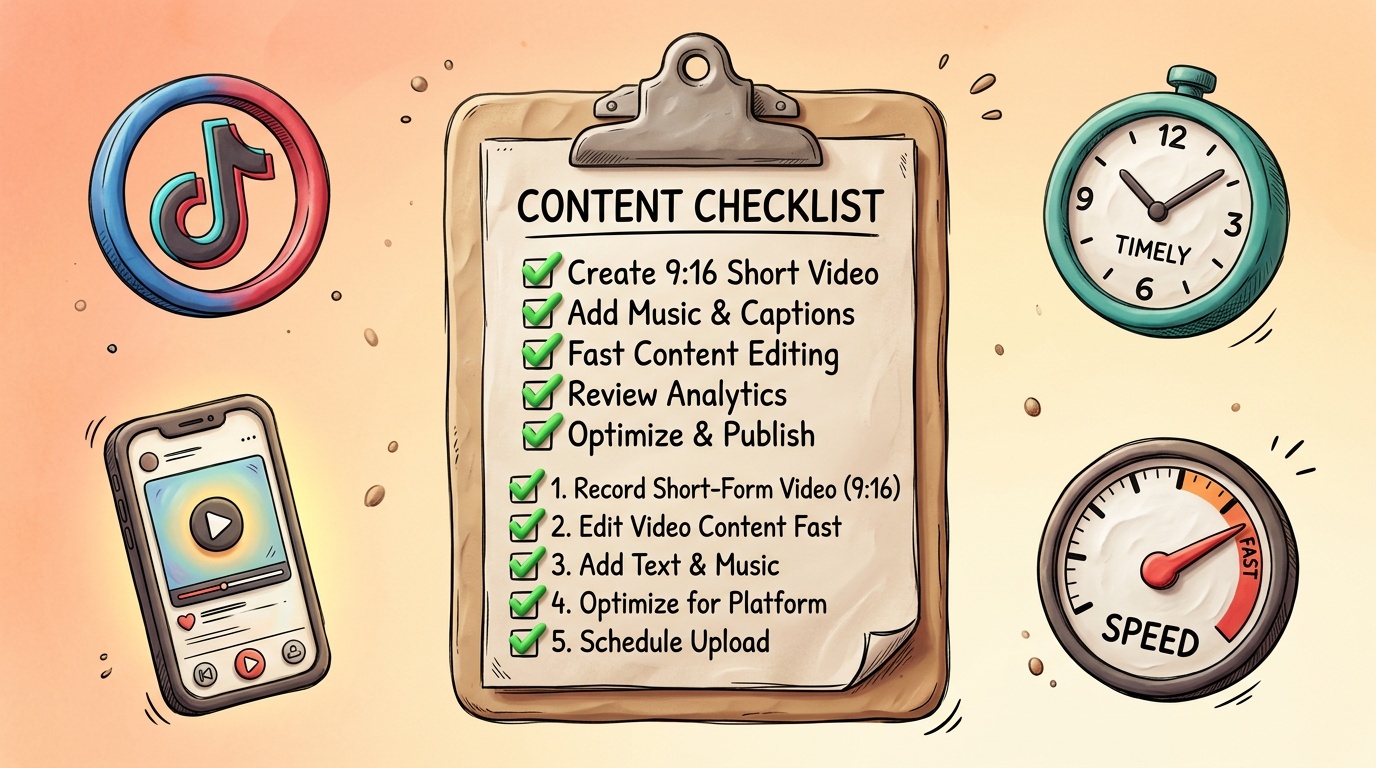
1. Native Vertical Output (9:16)
This sounds obvious, but many AI video generators default to 16:9 and treat vertical as an afterthought. Cropping a landscape AI clip to vertical is a guaranteed way to lose subject framing and visual coherence. The tool needs to think in vertical from the start.
2. Speed Over Polish
A Reel has a shelf life measured in hours. If your AI generator takes 15 minutes per 5-second clip and you need eight clips for a 40-second video, you’ve already burned two hours on generation alone — before editing, captions, or audio. For short-form, generation speed under 60 seconds per clip is the baseline.
3. Text-to-Video That Actually Follows Prompts
“A woman walking through a neon-lit Tokyo street at night, camera tracking from behind” should produce exactly that. Not a man. Not daylight. Not a static shot. Prompt adherence remains the single biggest differentiator between these tools.
4. Reasonable Pricing for Volume Creators
Short-form creators don’t make one video a month. They make 20-30. Pricing models that charge per second of generation or cap you at 50 clips per month are non-starters for serious creators. You need to understand the effective cost per published video, not just the monthly subscription price.
5. Easy Export and Integration
Can you download in MP4? Does it support the resolution Instagram and TikTok want (1080x1920)? Can you bring clips into CapCut, Premiere, or DaVinci without format headaches? These small details determine whether a tool fits your workflow or wrecks it.
For a broader look at the tools shaping short-form workflows right now, check out our guide to the best AI tools for short-form video creators in 2026.
5 AI Video Generators That Are Actually Worth Paying For in April 2026
1. Runway Gen-4 Ultra
Best for: Creators who want cinematic quality and don’t mind paying for it
Runway has been the quiet workhorse of AI video since Gen-2, and Gen-4 Ultra represents a genuine leap. The model handles complex camera movements — dollies, pans, rack focuses — with a coherence that still surprises. Temporal consistency (keeping a face or object looking the same across frames) has improved dramatically since Gen-3.
What it does well:
- Best-in-class prompt adherence for cinematic-style scenes
- Native 9:16 support with proper framing
- Image-to-video mode lets you start from a Midjourney or Leonardo still and animate it
- Motion Brush gives frame-level control over what moves and what stays static
Where it falls short:
- Generation times run 90-120 seconds for 5-second clips at max quality
- Pricing is aggressive — the Pro plan ($48/month) gives you roughly 125 seconds of generation per month at Ultra quality
- Human faces in close-up still occasionally hit uncanny valley territory
Best use case: Cinematic B-roll for high-production Reels. Think: atmospheric establishing shots, product reveals, mood pieces. Not ideal for talking-head or fast-turnaround content.
For a deeper comparison with its closest competitor, read our Runway vs Pika Labs breakdown.
2. Kling 2.0 (by Kuaishou)
Best for: Volume creators who need speed and consistency over Hollywood polish
Kling flew under the Western radar for months before creators started noticing something unusual: it was fast, it was cheap, and it was surprisingly good at human motion. While Runway obsesses over cinematic quality, Kling 2.0 optimizes for the metrics that actually matter for daily content production.
What it does well:
- Generation times averaging 30-45 seconds per 5-second clip
- The best human body motion of any tool tested — walking, gesturing, and dancing look natural
- Generous free tier (30 clips/day at standard quality)
- Text-to-video prompts in English work cleanly despite the tool’s Chinese development roots
Where it falls short:
- Fine detail in backgrounds can look soft or repetitive
- Color grading tends toward a specific aesthetic (warm, slightly desaturated) that doesn’t suit every brand
- The web interface has UX quirks — settings sometimes reset between sessions
- Less control over camera movement compared to Runway
Best use case: High-volume social content where you need 5-10 clips per day and can’t afford to wait. Lifestyle, fitness, and fashion Reels creators have adopted Kling heavily.
3. Pika 2.0
Best for: Creators who want a fast, playful, and surprisingly flexible all-rounder
Pika has carved out a niche by being the tool that doesn’t take itself too seriously while still delivering legitimate quality. Version 2.0 brought native 9:16, a completely redesigned prompt engine, and a “Styles” system that lets you lock in a visual language and reuse it across dozens of clips.
What it does well:
- “Styles” presets create visual consistency across a content series — huge for brand-building
- Lip-sync mode (beta) matches generated faces to audio input with decent accuracy
- Modify Region lets you regenerate portions of a clip without re-rendering the whole thing
- Pricing is creator-friendly: $10/month gets you 250 standard clips
Where it falls short:
- Maximum clip length is 4 seconds (you need to stitch clips together for longer sequences)
- Photorealism is a step behind Runway and Kling — Pika leans slightly illustrative
- Complex multi-subject scenes often have coherence issues (two people interacting is still hit-or-miss)
Best use case: Solo creators building a visual brand on a budget. If you make educational Reels, motivational content, or niche explainers and want a consistent look without manually editing every frame, Pika’s Styles system is genuinely useful.
4. Luma Dream Machine 2
Best for: Image-to-video workflows and creators who start with stills
Luma’s Dream Machine carved its reputation on a single strength: taking a still image and bringing it to life with motion that makes sense. While other tools added image-to-video as a feature, Luma built its entire architecture around it. Version 2 doubled down.
What it does well:
- Best image-to-video quality tested — feed it a high-quality still and the motion is remarkably natural
- Camera movement controls are intuitive (orbit, push-in, pan) and consistently executed
- 3D-aware generation means objects maintain proper depth and parallax during camera moves
- Strong performance with product shots and architectural scenes
Where it falls short:
- Text-to-video (without an input image) is noticeably weaker than Runway or Kling
- Generation times are 2-3 minutes per clip — the slowest on this list
- No native lip-sync or human speech generation
- Free tier is extremely limited (10 clips/month)
Best use case: Creators who already use AI image generators like Midjourney or Leonardo to create hero images, then need to animate them for Reels. The workflow of “generate perfect still → animate with Luma” produces some of the best AI video content available right now.
5. Haiper 2.0
Best for: Budget-conscious creators who need “good enough” at scale
Haiper doesn’t win any single category outright, but it does something none of the others manage: it delivers solid, usable output at a price point that makes volume production genuinely accessible. At $8/month for 500 standard-quality clips, the math changes the conversation.
What it does well:
- Highest clip-per-dollar ratio of any paid tool
- Consistent 20-30 second generation times
- Clean API for creators who build automated workflows
- Surprisingly good at abstract and motion-graphic style content
Where it falls short:
- Photorealistic human faces are its weakest point — noticeable artifacts around eyes and hairlines
- Maximum resolution is 720p on the standard plan (1080p requires the $24/month tier)
- No image-to-video mode
- Prompt interpretation is more literal and less “creative” than Pika or Runway
Best use case: Faceless content channels, abstract Reels, quote graphics with motion, and any workflow where you need high volume and aren’t relying on photorealistic humans. Also excellent for creators who automate posting across multiple accounts.
AI Video Generator Pricing Comparison — April 2026
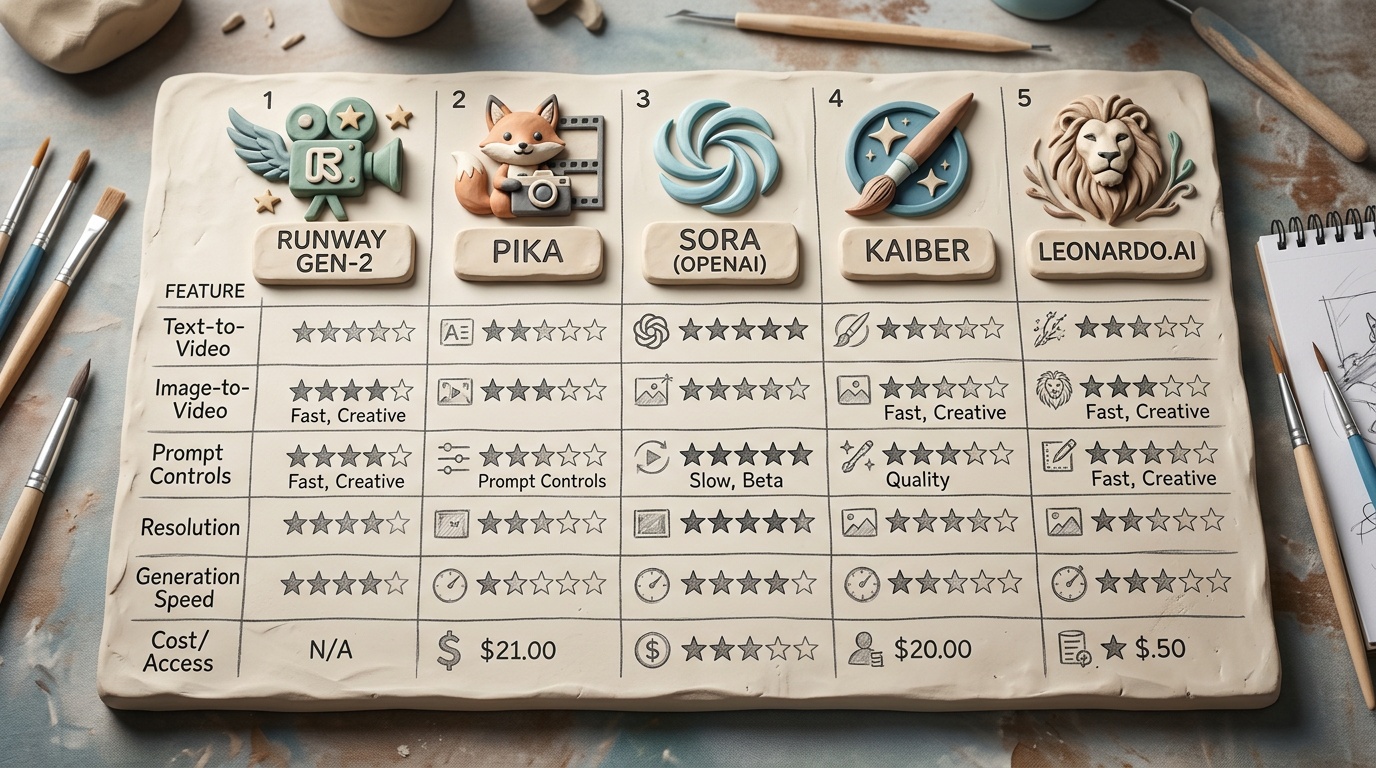
Here’s what you’ll actually pay as a short-form creator producing 20-30 Reels per month. These figures assume standard quality and average clip counts per video.
| Tool | Monthly Price | Clips Included | Effective Cost Per Reel* | Max Clip Length | Native 9:16 |
|---|---|---|---|---|---|
| Runway Gen-4 Ultra | $48 (Pro) | ~25 Ultra clips | $9.60-$14.40 | 10 sec | ✅ |
| Kling 2.0 | $15 (Pro) | ~300 clips | $0.30-$0.50 | 8 sec | ✅ |
| Pika 2.0 | $10 (Creator) | 250 clips | $0.24-$0.40 | 4 sec | ✅ |
| Luma Dream Machine 2 | $30 (Pro) | ~120 clips | $1.50-$2.50 | 5 sec | ✅ |
| Haiper 2.0 | $8 (Standard) | 500 clips | $0.10-$0.16 | 6 sec | ✅ |
*Effective cost per Reel assumes 5-8 clips per finished video at standard quality.
Key takeaway: If quality is your priority and budget isn’t an issue, Runway leads. If you need volume at reasonable quality, Kling and Pika offer the best balance. If you’re optimizing purely on cost, Haiper is unmatched.
For a complete picture of the free tools that can supplement these paid generators, see our roundup of free AI tools in 2026 that are actually useful.
So Which AI Video Generator Should You Actually Pick?
The honest answer: it depends on your content type, your posting frequency, and how much post-production you’re willing to do.
Here’s a decision framework:
Choose Runway Gen-4 Ultra if:
- You make 5-10 high-production Reels per month
- You care about cinematic quality and have editing skills to composite clips
- Your content is brand-focused, product-focused, or portfolio-facing
Choose Kling 2.0 if:
- You post daily or near-daily
- Your content features human motion (fitness, dance, lifestyle)
- You want the best speed-to-quality ratio
Choose Pika 2.0 if:
- You’re building a visual brand and want consistency across all your content
- You’re a solo creator on a tight budget
- You prefer a playful, stylized aesthetic over strict photorealism
Choose Luma Dream Machine 2 if:
- Your workflow starts with AI-generated or photographed still images
- You make product showcases, architecture content, or visual storytelling Reels
- Camera movement quality is your top priority
Choose Haiper 2.0 if:
- You run faceless channels or multiple accounts
- Volume and automation are more important than per-clip quality
- Your budget is under $10/month
Many serious creators use two tools. A common stack in April 2026: Kling for daily content + Runway for hero pieces. Or: Pika for branded series + Luma for animated stills. There’s no rule saying you have to pick one.
If you’re building a full content creation stack, our guide to the best AI tools for content creators in 2026 covers the complete picture — from writing and image generation to audio and publishing.
Frequently Asked Questions
Is Sora still available in 2026?
Yes, but its positioning has shifted. Sora is accessible primarily through the ChatGPT Pro tier ($200/month) and the enterprise API. Generation limits remain tight, and the tool is optimized for longer-form, higher-resolution output rather than the fast vertical clips short-form creators need. For most Reels creators, the alternatives listed above are more practical and more affordable.
Can these AI video generators make content that passes as “real” footage?
In controlled conditions — specific lighting, limited camera movement, no close-up faces — yes, some clips from Runway and Kling are indistinguishable from real footage at Reels resolution (1080x1920). However, close-up human faces, hand movements, and text within scenes still regularly reveal AI artifacts. The gap is closing fast, but we’re not at full photorealism for all scenarios yet.
Do I need to disclose AI-generated content on Instagram and TikTok?
Both platforms now have AI content labeling policies. Instagram requires disclosure when content is “generated or substantially modified by AI” — though enforcement is inconsistent. TikTok’s policy is stricter and applies automated detection. Best practice: always label. It builds audience trust and keeps you compliant regardless of shifting enforcement.
Can I use AI-generated video commercially?
All five tools on this list grant commercial usage rights on their paid plans. Free tiers vary — Kling’s free output carries a watermark and limited commercial rights, while Pika’s free tier includes commercial use. Always check the specific terms of the plan you’re on, especially if client work or sponsored content is involved.
What about AI-generated music and voiceover for these clips?
AI video is only one piece of the Reel. For music, tools like Suno and Udio generate royalty-free tracks that pair well with AI visuals. For voiceover, ElevenLabs remains the standard. The full stack of AI audio + AI video + a human editor creates output that’s faster and cheaper than any traditional workflow, while keeping quality high enough for platform audiences.
The Post-Sora Creator’s Playbook
The Sora hype cycle taught us something valuable: the best AI video tool isn’t the most technically impressive one — it’s the one that fits your actual workflow.
Here’s what to do this week:
- Pick one tool from this list based on the decision framework above. Sign up for the free tier or lowest paid plan.
- Generate 10 clips around a single content idea. Note generation time, prompt accuracy, and how many clips you actually use versus discard.
- Edit one complete Reel using those clips. Time the full workflow from prompt writing to export.
- Compare that time to your current workflow. If it’s faster and the quality meets your audience’s expectations, you’ve found your tool.
The creators pulling ahead right now aren’t waiting for the perfect AI video generator. They’re using the imperfect ones that exist today, learning their quirks, and building systems around them. By the time these tools are “perfect,” the early adopters will have a 12-month head start on content, audience, and platform algorithms.
Sora promised the future. These five tools delivered the present. That’s more useful anyway.